
Out-of-stock (OOS) products are a headache for almost every ecommerce seller. You lose the sale, the customer walks away annoyed, and your conversion rate drops. Most shoppers won’t wait for an item to come back. They just go to a competitor. It doesn’t have to end there, though. If you handle shortages well, people trust you more, and plenty of them will return once the product is back.
Learning how to handle out-of-stock products takes more than a greyed-out button and an “unavailable” label. Your stock counts need to be right in the first place. Shoppers want to know when the item is coming back, and a similar product to look at in the meantime helps too. Your availability should also match everywhere you sell. This is where barcode scanning for ecommerce inventory management comes in handy. Every stock movement gets recorded as it happens, so you aren’t left guessing why the system says 12 units and the shelf has 9.
If a product is out of stock until the next shipment arrives, tell people. A quick update on the page and a back-in-stock notification go a long way, because customers usually don’t mind waiting if they know what’s happening. Just make sure your website and shopping platforms show the same availability. Nothing frustrates a buyer more than seeing “in stock” on one channel and “sold out” on another.
Here’s where we’re headed. We’ll start with how to handle out-of-stock products in ecommerce without losing the shopper for good. After that, we’ll look at how to manage out-of-stock items effectively when things get busy, and how to improve inventory forecasting so a sell-out doesn’t take you by surprise. Last, we’ll cover how to handle out-of-stock products in a shopping feed, because few things waste ad money faster than sending people to a product you can’t ship.
Why Out-of-Stock Situations Hurt Ecommerce Sales
When a product goes out of stock, here’s what often happens:
But the good news? You can flip the script by being proactive, transparent, and strategic.
1. Be Transparent About Stock Levels
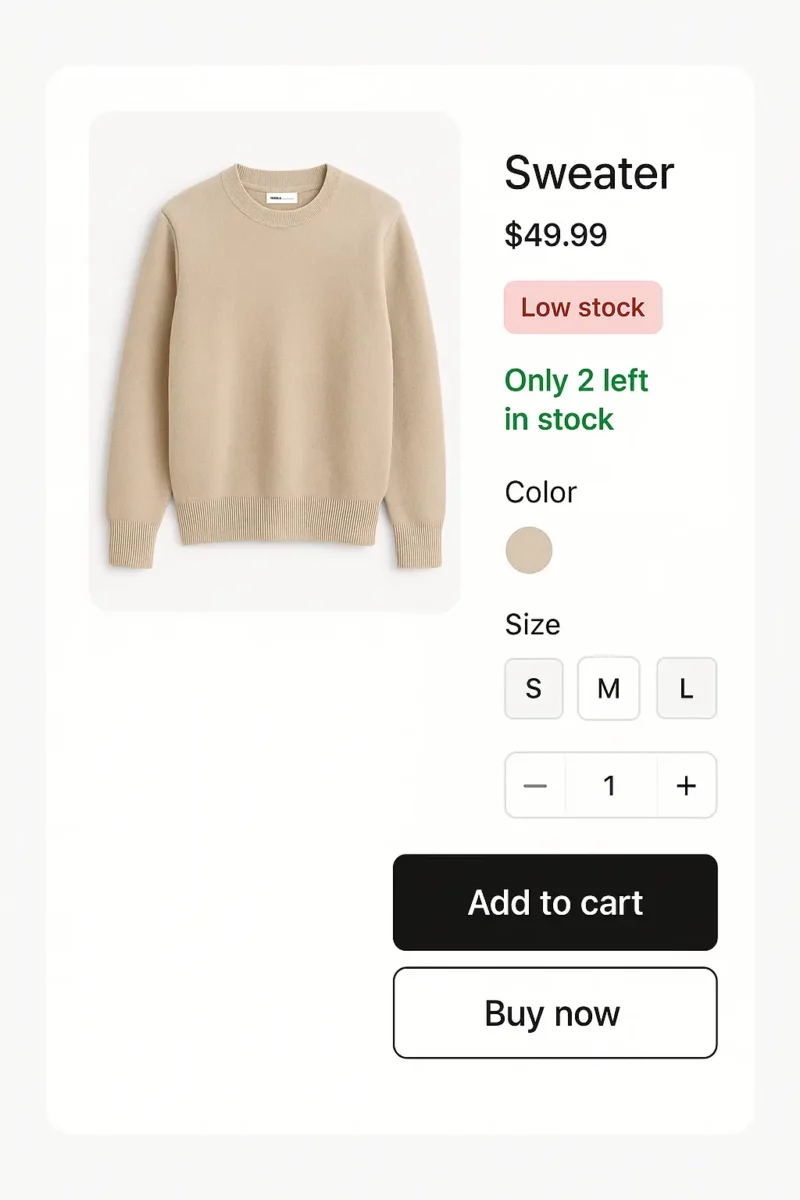
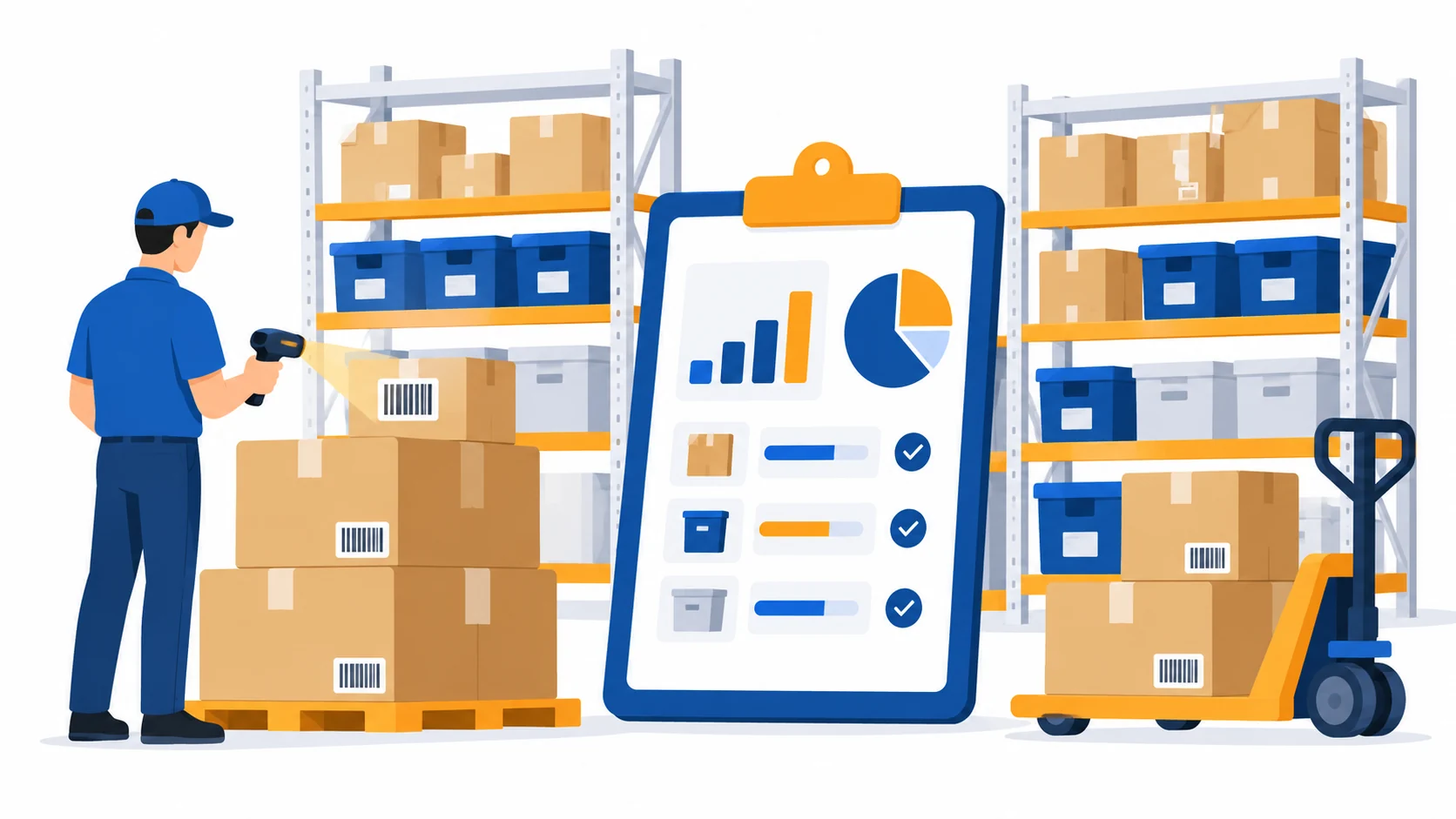
Shoppers appreciate honesty. One of the simplest ways to improve OOS experiences is to increase transparency in stock levels throughout the store:
Display “Only X left” stock counters using live inventory data to highlight limited availability.
Show estimated restock dates whenever available to help customers plan their purchases.
Add clear product availability labels, such as:
This level of transparency reduces customer frustration and supports your broader customer retention strategies.
2. Improve Customer Communication for OOS Situations
Clear, empathetic, and proactive customer communication for OOS products helps maintain trust. Instead of blindsiding customers with surprise unavailability, offer:
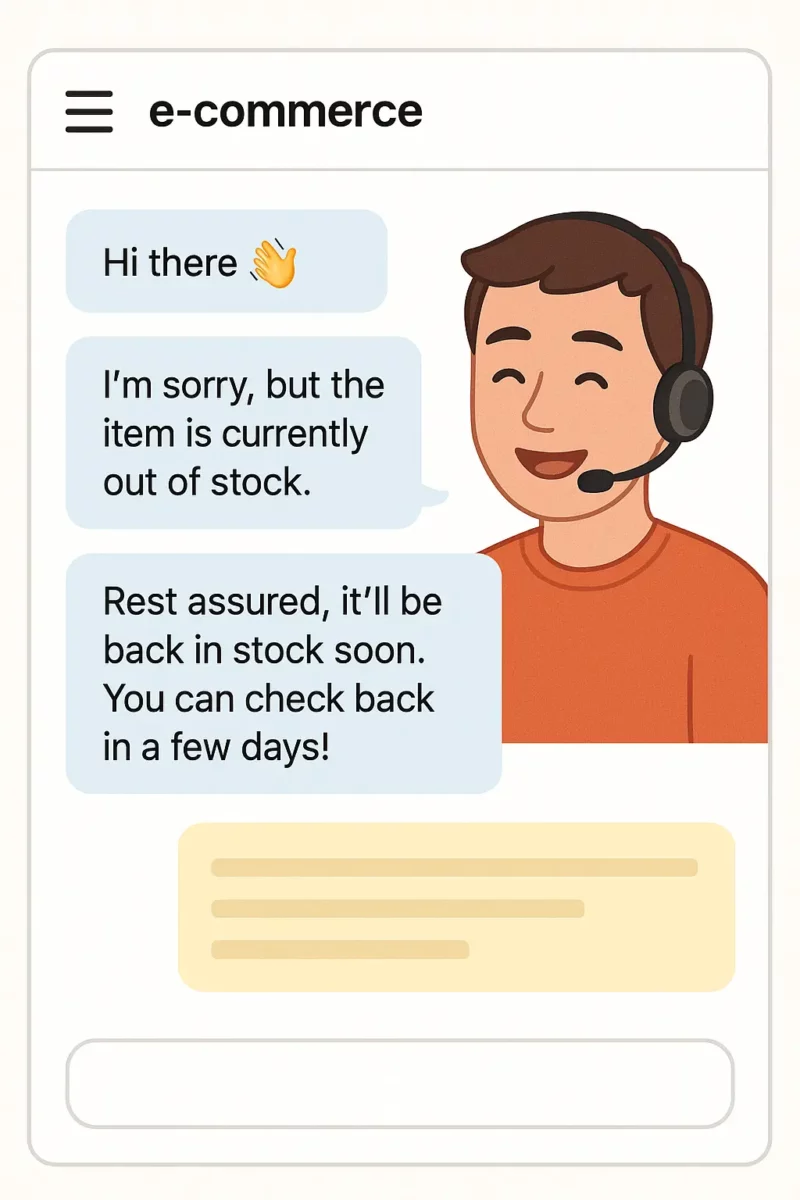
Simple message examples:
This style of communication humanizes your brand and reduces negative sentiment.
3. Provide Smart Alternative Product Suggestions
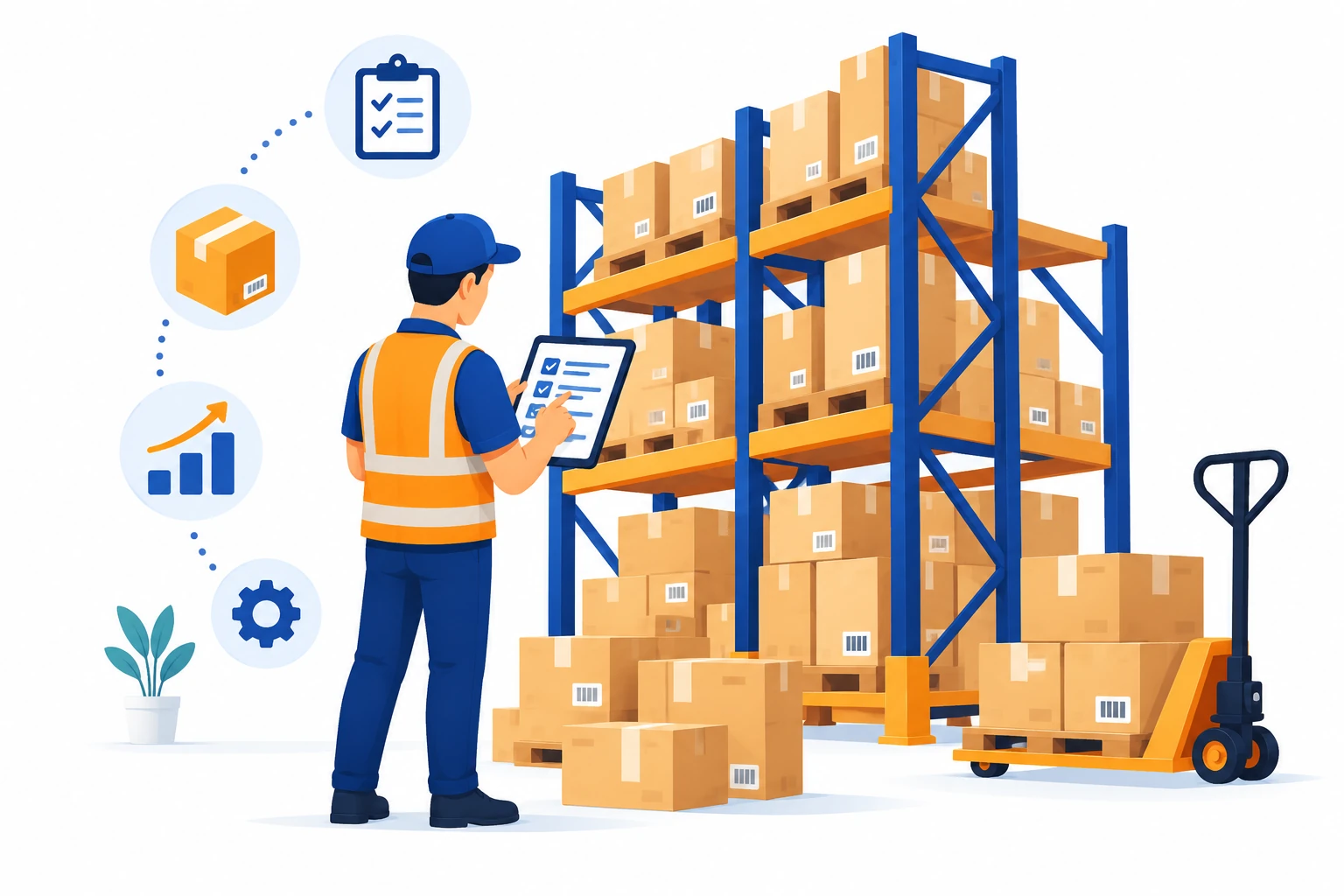
Never let an OOS product become a dead-end. Offering alternative product suggestions keeps customers engaged and can save the sale.
Examples include:
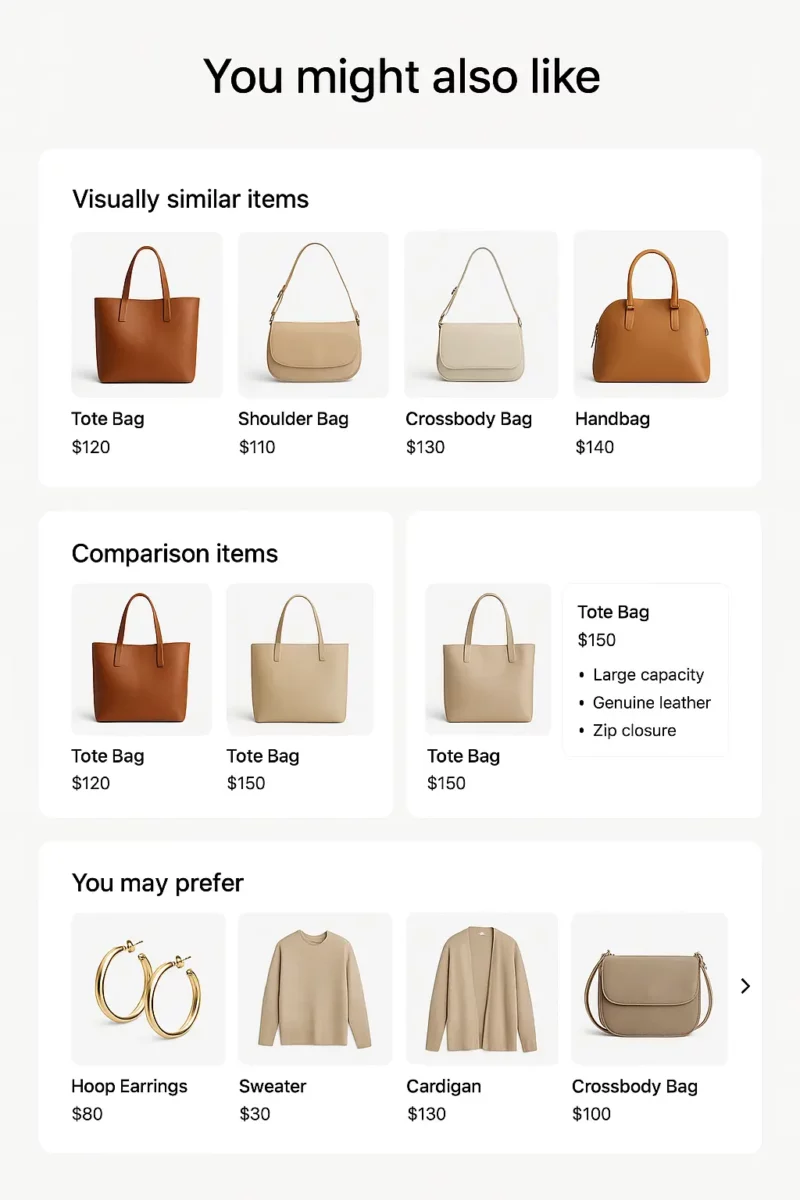
These alternative recommendations should appear in multiple places:
Done right, this strategy can significantly reduce drop-offs and increase conversions.
4. Add a “Notify Me” Feature and Back-in-Stock Alerts
The notify me feature is one of the most effective tools for revenue recovery. It collects user interest and automatically sends back-in-stock alerts when inventory is replenished.
Why it works:
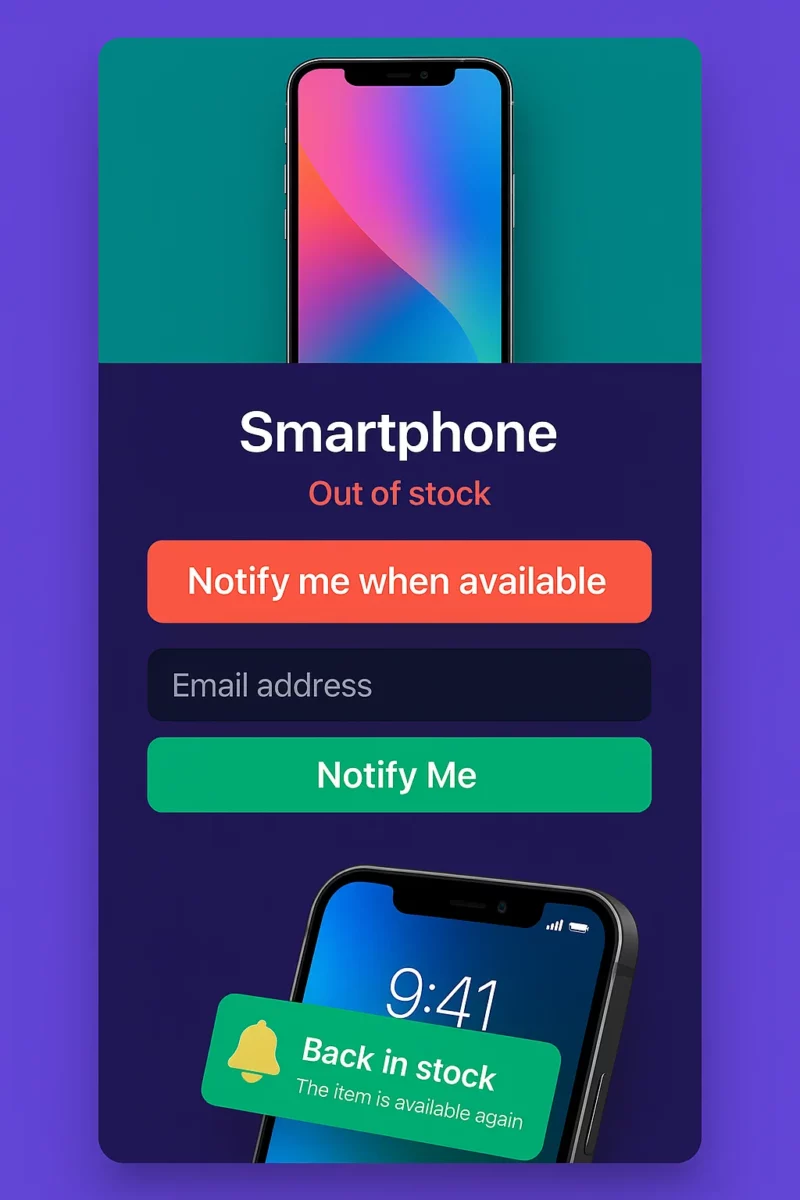
Pro tips:
This strategy also supports demand forecasting, since waitlist size indicates interest.
5. Offer Preorders or Reserve Options (When Appropriate)
If the product returns soon, give customers the chance to:
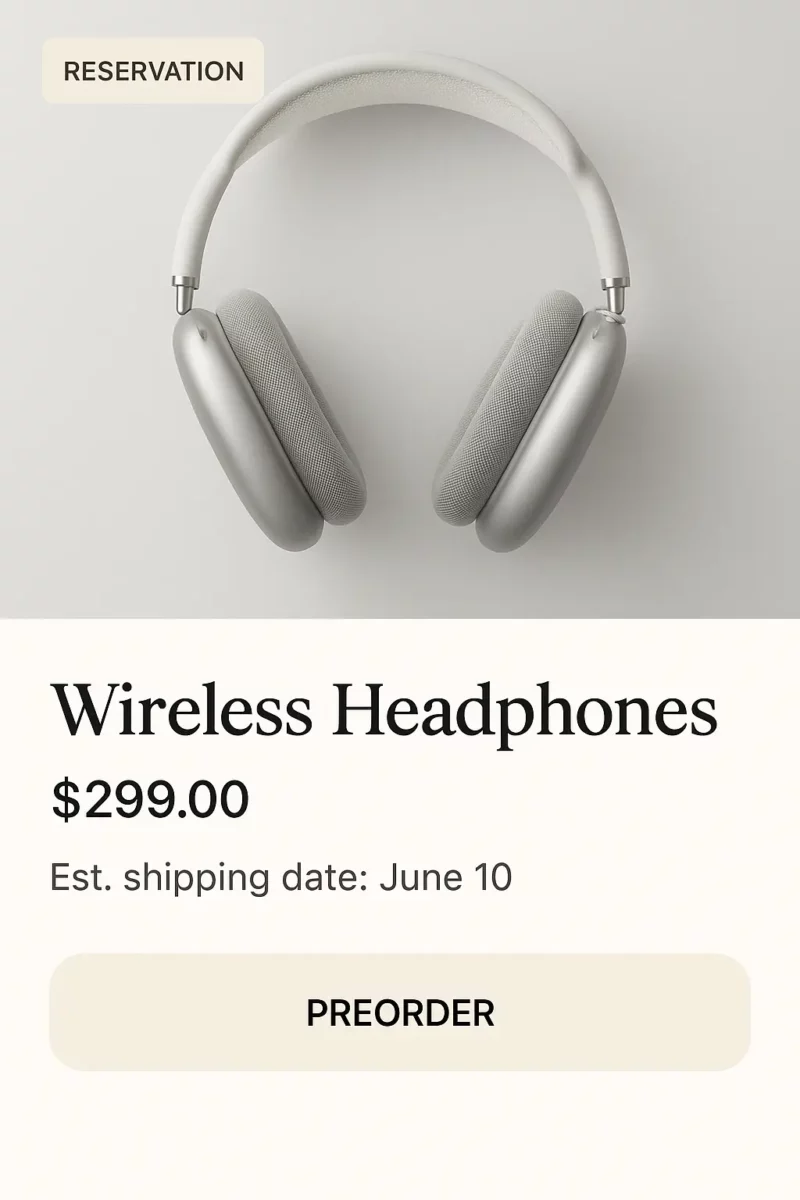
Make sure to communicate clearly about timelines, cancellation options, and expected delivery dates.
This strategy prevents cart abandonment, captures revenue earlier, and improves customer experience.
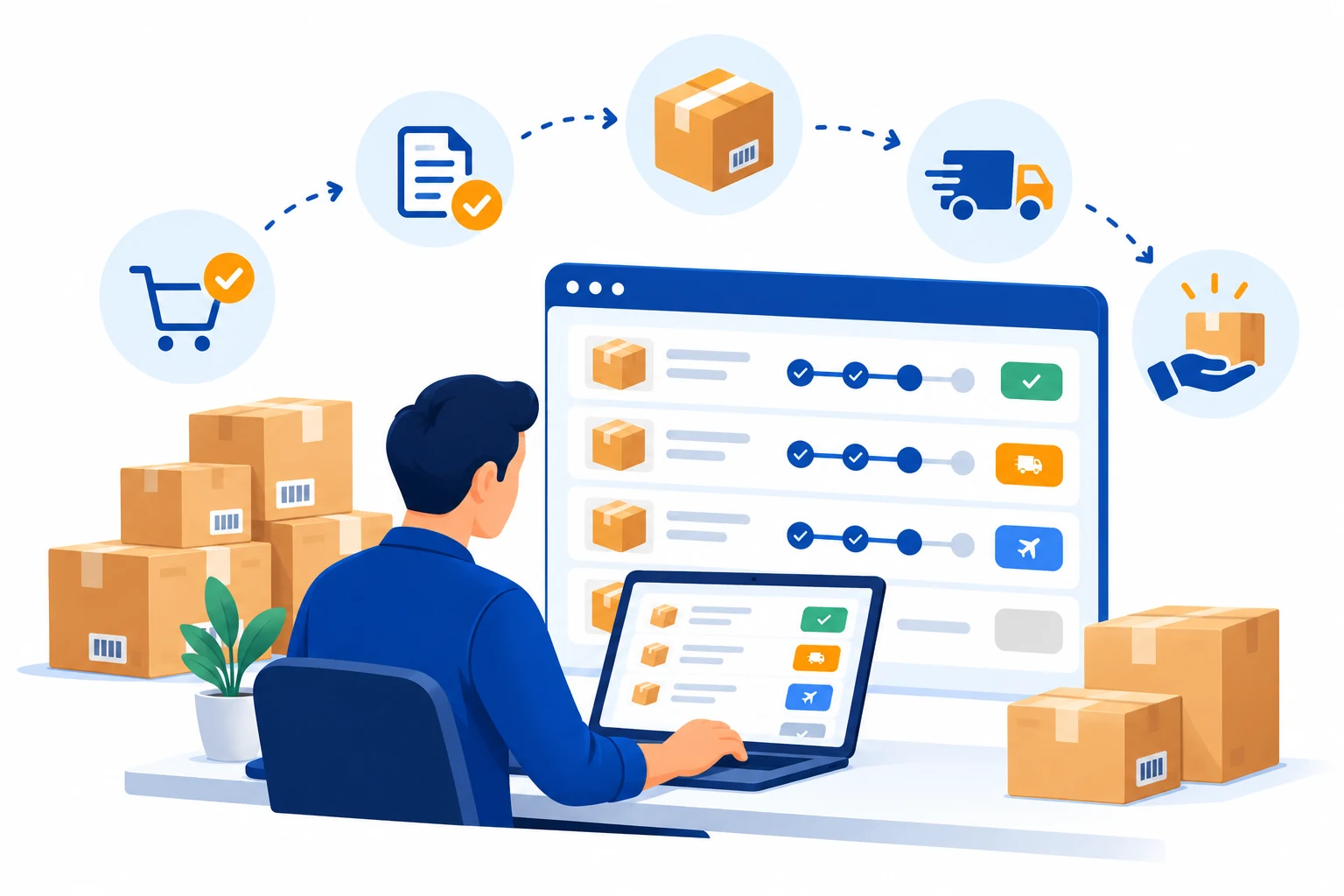
6. Prevent Cart Abandonment with Smart UX
Out-of-stock surprises during checkout are incredibly frustrating. Improve the experience with:
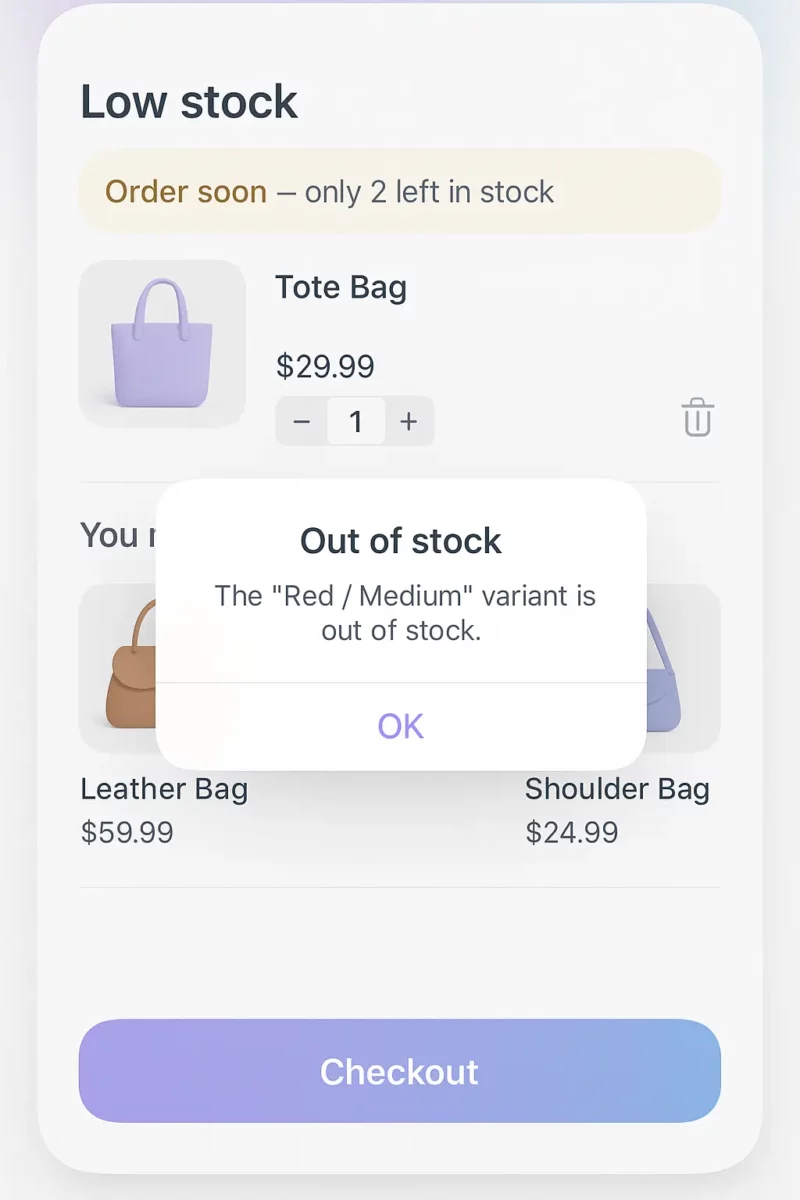
All these small touches support cart abandonment prevention and reduce friction during checkout.
7. Strengthen Your Demand Planning Strategy
Behind the scenes, your operational planning determines how often OOS situations happen. To reduce stockouts long-term, invest in a stronger demand planning strategy supported by accurate forecasting.
A strong planning strategy reduces surprises and improves supply chain resilience.
8. Use Predictive Inventory Analytics for Better Forecasting
Nobody likes seeing “out of stock” on their best-selling product. The good news is that most stockouts don’t come out of nowhere. Your own data usually shows them coming.
Take a seller who deals in cotton kurtis. Every year, orders jump in the two weeks before Diwali, and every year she runs out of her top three designs right when buyers are ready to pay. If she’d checked last October’s orders in September, she’d have seen it coming and ordered extra stock early. That’s all forecasting really is. Look at what moved last time, and plan for it to move again.
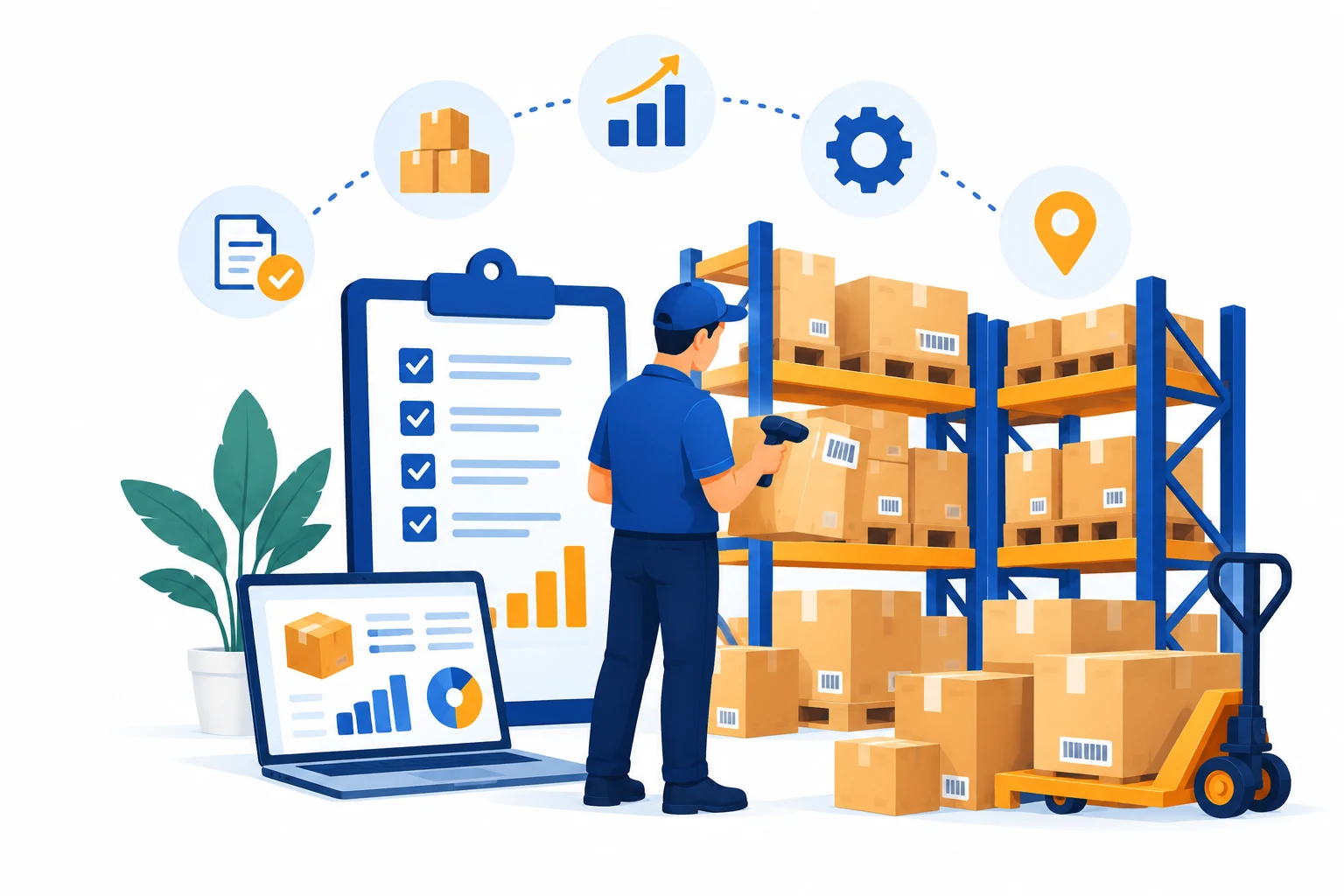
I’d start with inventory tracking tools for small businesses. Counting boxes by hand gets old fast, and an Excel sheet is only as accurate as the last time someone updated it. A proper tool shows what’s selling and what’s been sitting untouched for months. It also tells you when to reorder, which is the part most sellers get wrong. And if something does sell out with the new batch still a week away, just tell the buyer the actual date. Most people are fine waiting if you’re honest with them. It’s the silence that annoys them.
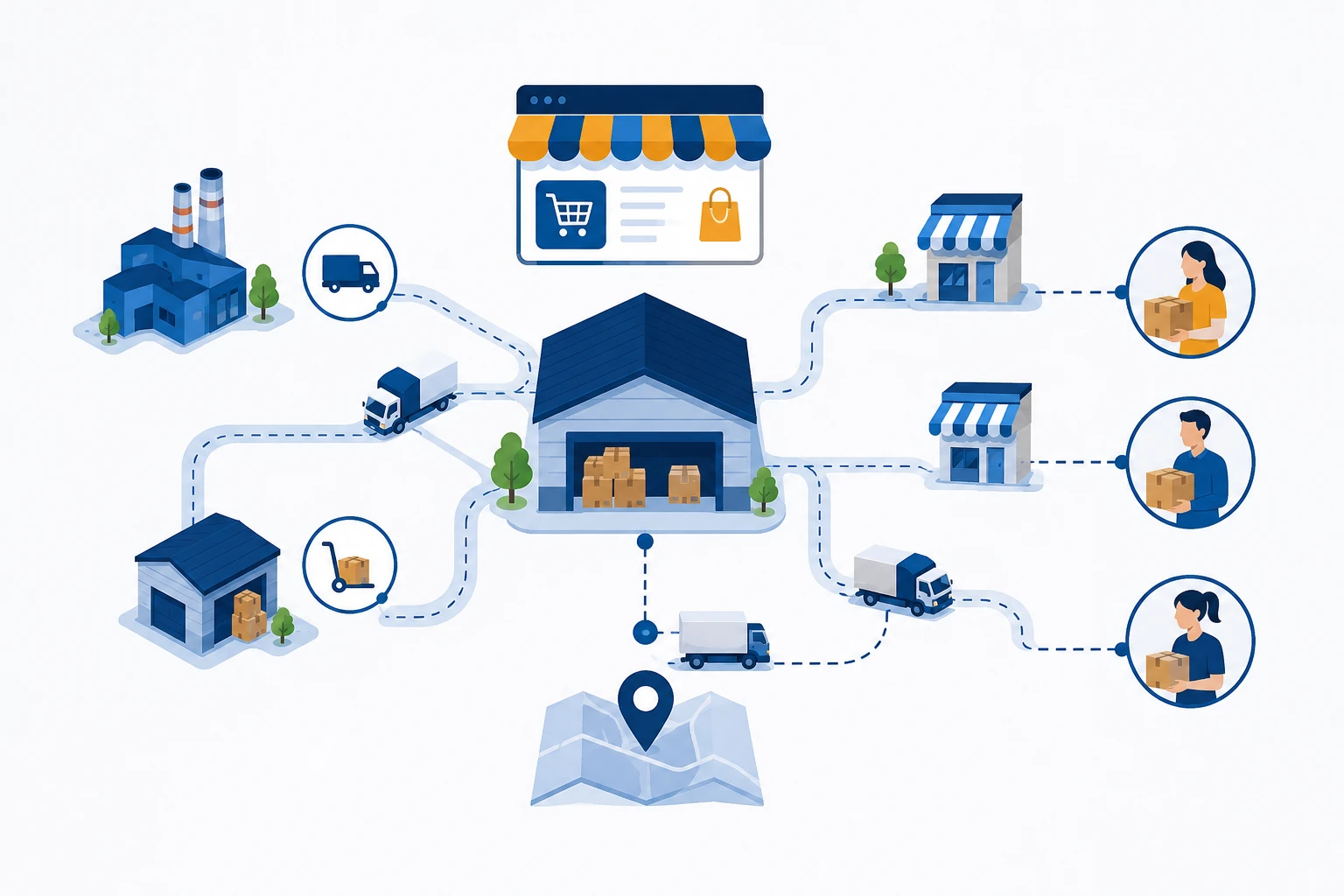
Things get trickier when you sell on Amazon, your own website, and maybe Instagram too. One sale on a single channel can leave the others showing stock you no longer have. With AI-powered multichannel inventory management, every channel shows the same count. So you never have to disappoint customers by texting “sorry, we can’t ship your order.
The closer your guess is to what actually sells, the less you overbuy, the fewer emergency reorders you place, and the more orders go out on time.
9. Nail Reorder Point Optimization
Reorder points shouldn’t be guesswork.
Reorder point optimization ensures you reorder stock before you reach critically low levels. Using lead time + demand variability, you can calculate an exact trigger point for reordering.
Optimize this per SKU, especially for high-demand items.
10. Calculate Safety Stock Strategically
Safety stock calculation helps you maintain a buffer inventory that protects against unexpected demand or supplier delays.
With proper safety stock, you dramatically reduce the likelihood of OOS events.
11. Increase Your Inventory Turnover Improvement Rate
High inventory turnover means your stock is flowing efficiently.
Low turnover often leads to shortages in key SKUs while less-needed items pile up.
This boosts overall inventory turnover improvement and frees up cash for the products customers actually want.
12. Turn OOS Moments Into Customer Retention Opportunities
These customer retention strategies ensure people return rather than defecting to competitors.
Conclusion
OOS situations are inevitable – but losing customers over them is not.
Every seller runs out of stock eventually. It happens, and customers know it too. They remember how you handled it. If a buyer finds out only after paying that their order is delayed, they get annoyed. If you tell them early, even with bad news, most will wait. Suggesting a similar product helps as well. Say the blue kurti is gone. Message her about the green one in the same fabric, and she might just take it. Even if she doesn’t, she’ll remember you didn’t leave her hanging, and that usually brings people back.
Out-of-stock moments become opportunities:
FAQs
They interrupt buying intent and push shoppers to competitors
No, keep the page live and offer alternatives or notifications.
Use a simple notify me feature or back-in-stock alerts via email/SMS.
Similar items recommended when the original product is unavailable.
Data-driven forecasting to predict demand and prevent stockouts.
Use demand + lead time variability to maintain a buffer.
Setting the right inventory level to trigger reordering before stock runs out.
Show alternatives, offer notifications, and warn early about low stock.